
Protect yourself and your family by being cautious about disclosing excessive personal information online!
Locking your door with a key when leaving your home is a simple principle that is easy to grasp. In the digital age, personal privacy is like the key to your front door – it requires secure protection. Many victims of cybercrime fall prey not to sophisticated hackers, but because they leave their “keys” in public places for anyone to take. When you and your children use Wi-Fi networks, public computers, and social media platforms, are you guarding against privacy pitfalls?
Real Life Examples
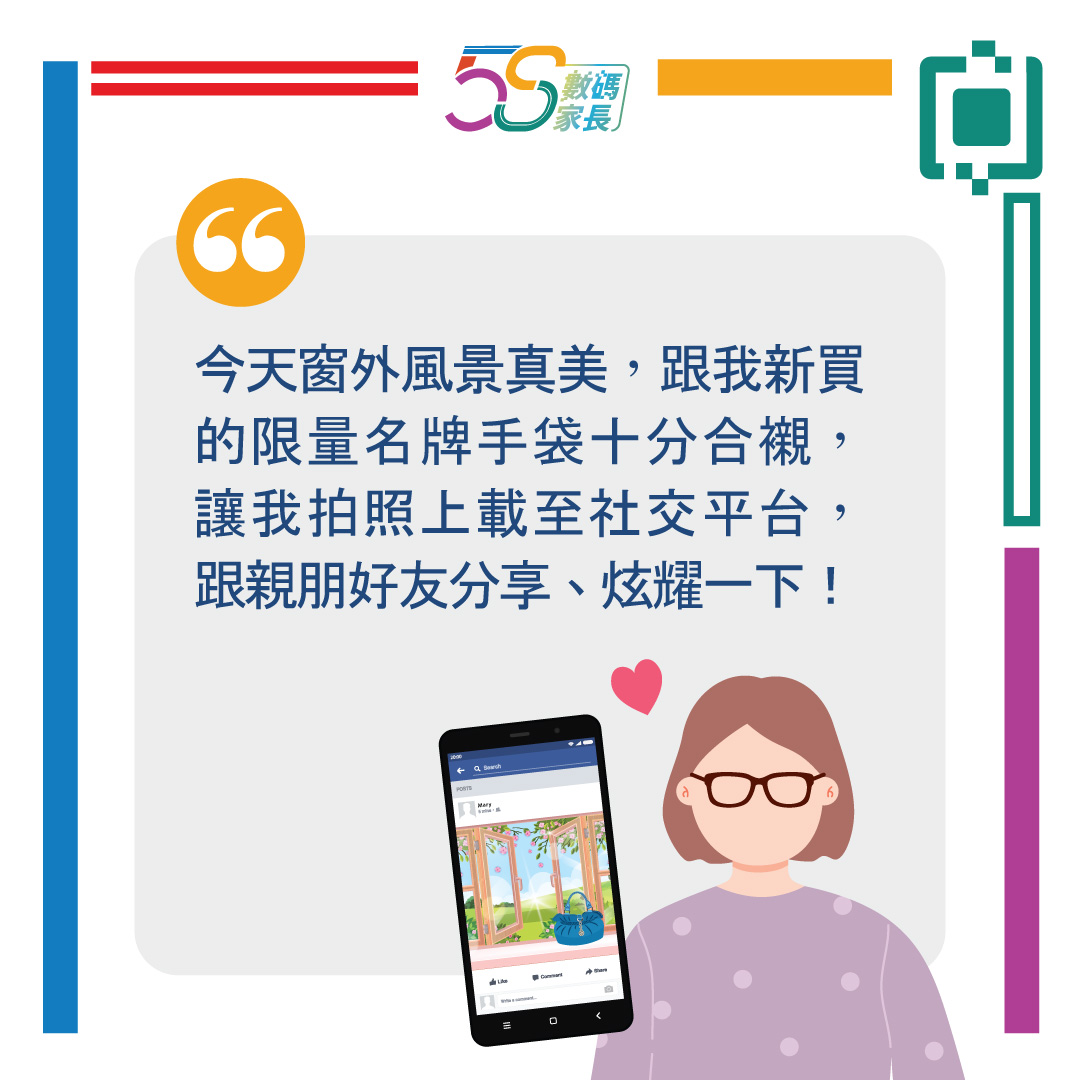
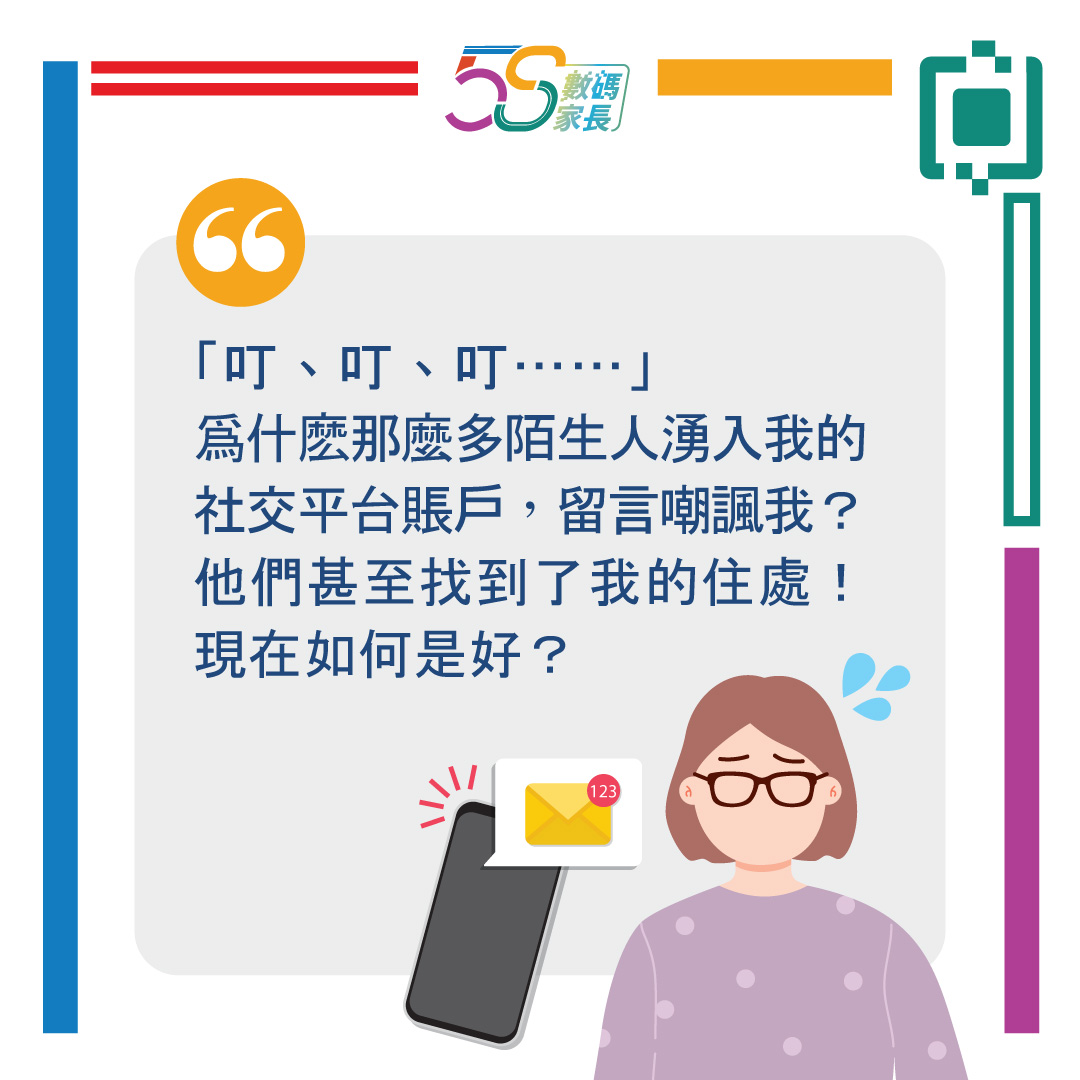
Example 1: Personal Privacy
(This image is only available in Chinese.)
(This image is only available in Chinese.)
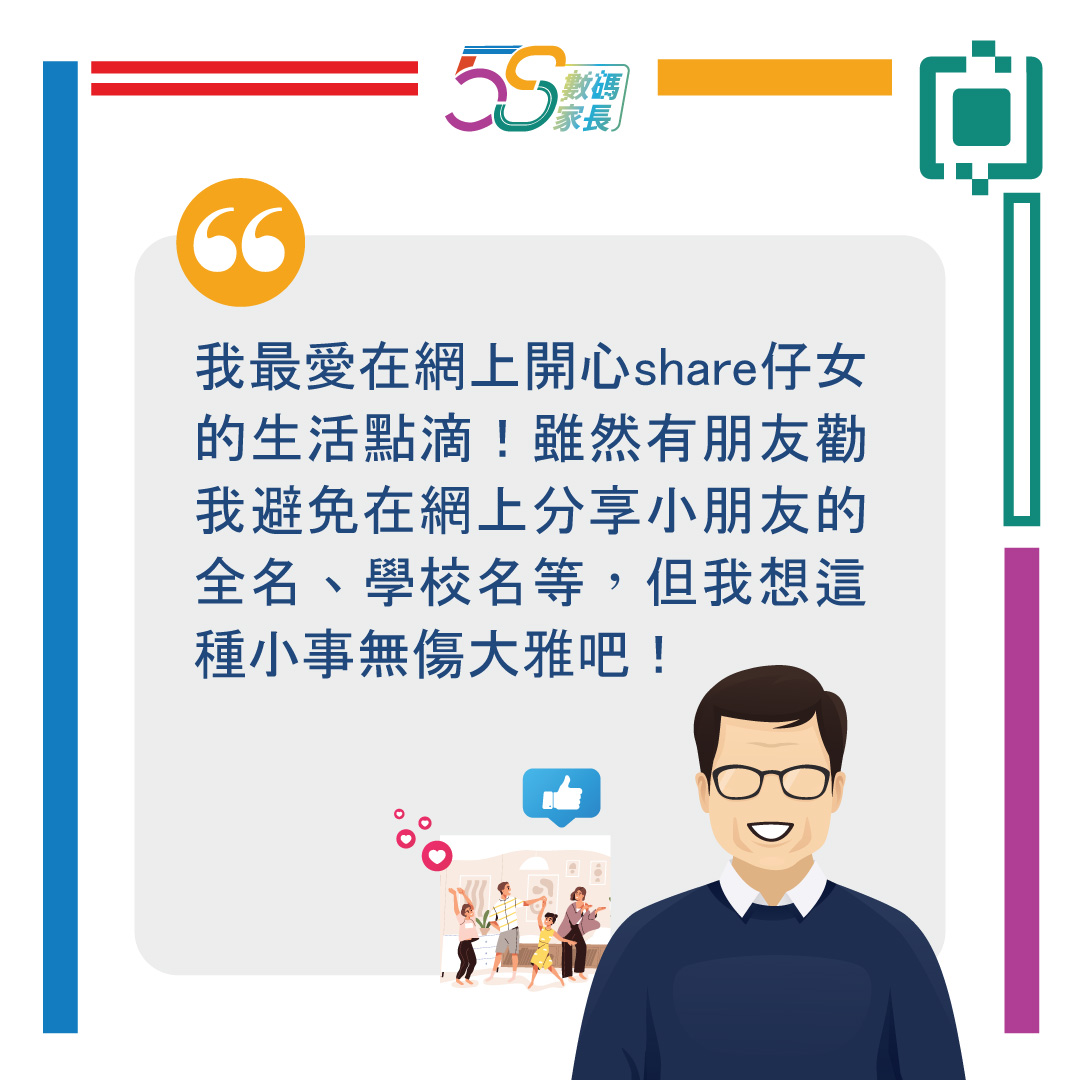
Example 2: Children Privacy
(This image is only available in Chinese.)
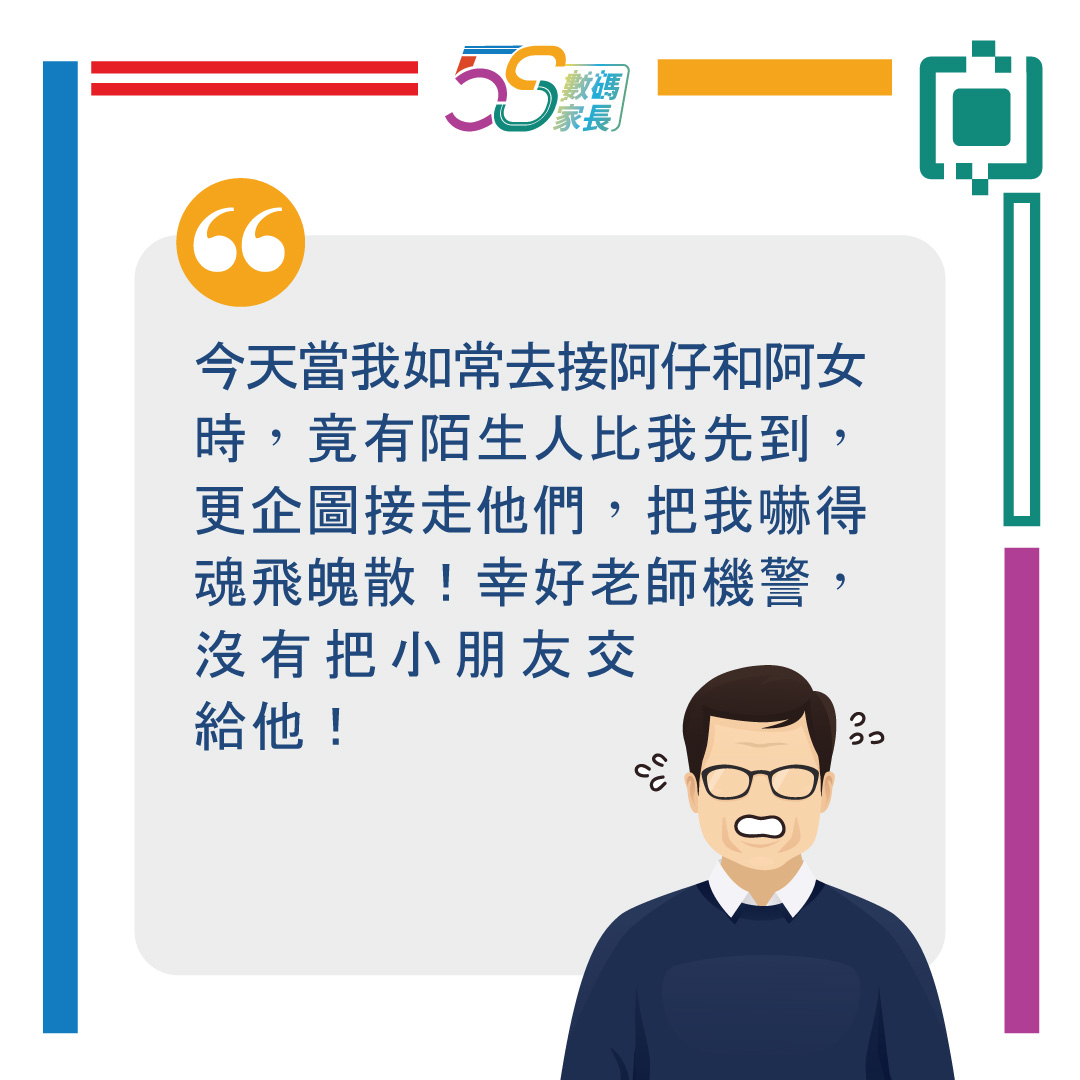 '
'
(This image is only available in Chinese.)
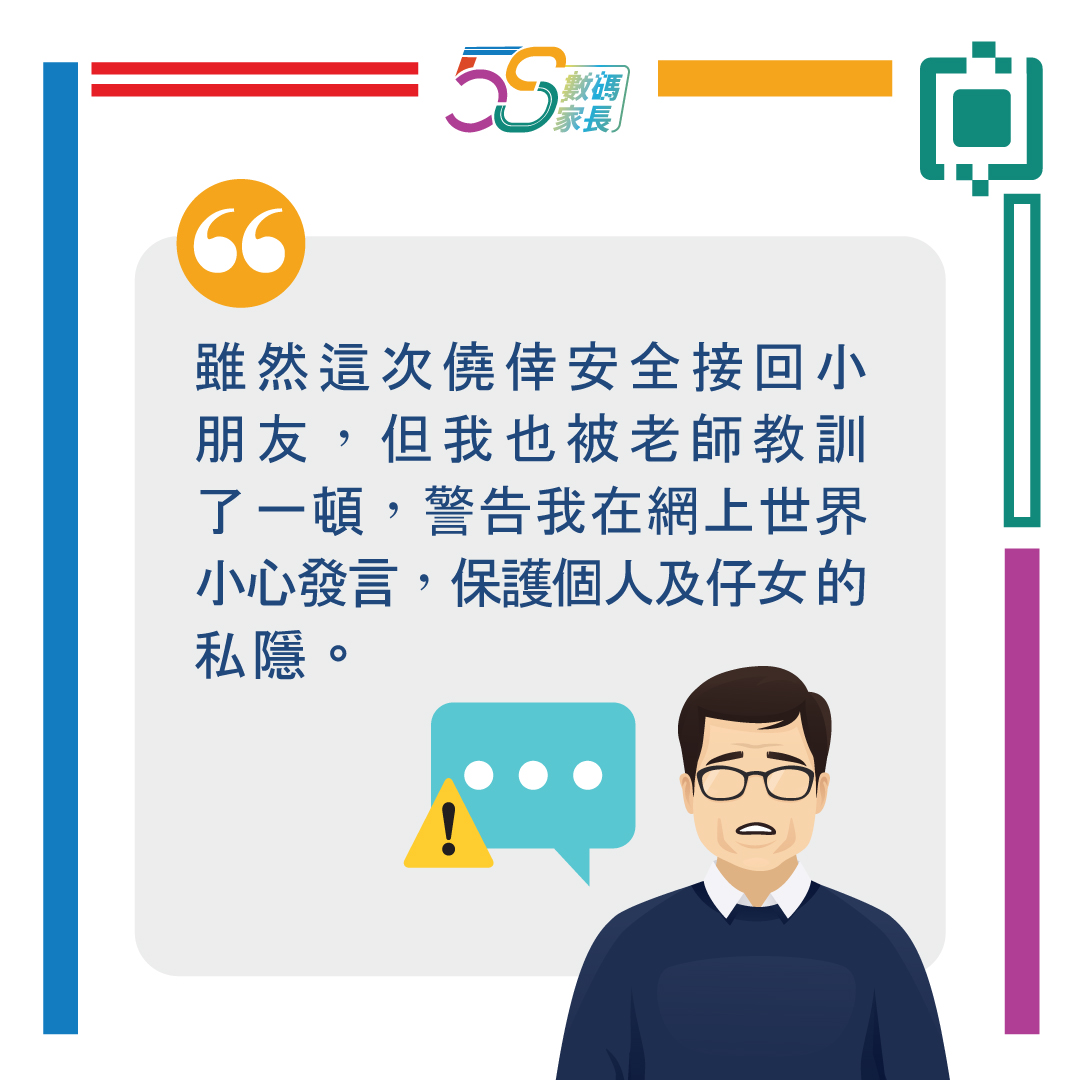
(This image is only available in Chinese.)
In daily life, you and your children may encounter situations involving personal privacy and online risks. We have compiled the following information to raise public awareness about safeguarding personal and children's privacy.
Article Content
- What is ‘Personal Privacy’?
- Why Do We Need to Protect Our Privacy?
- One of Many Privacy Threats: Data Breaches
- Does Staying Offline Eliminate Privacy Risks
- Simple Tips and Tricks
1. What is ‘Personal Privacy’?
‘Personal privacy’ refers to information that can directly or indirectly identify a living individual, such as combining details like name, fingerprints, telephone number, address, gender, and age to ascertain a person's identity.
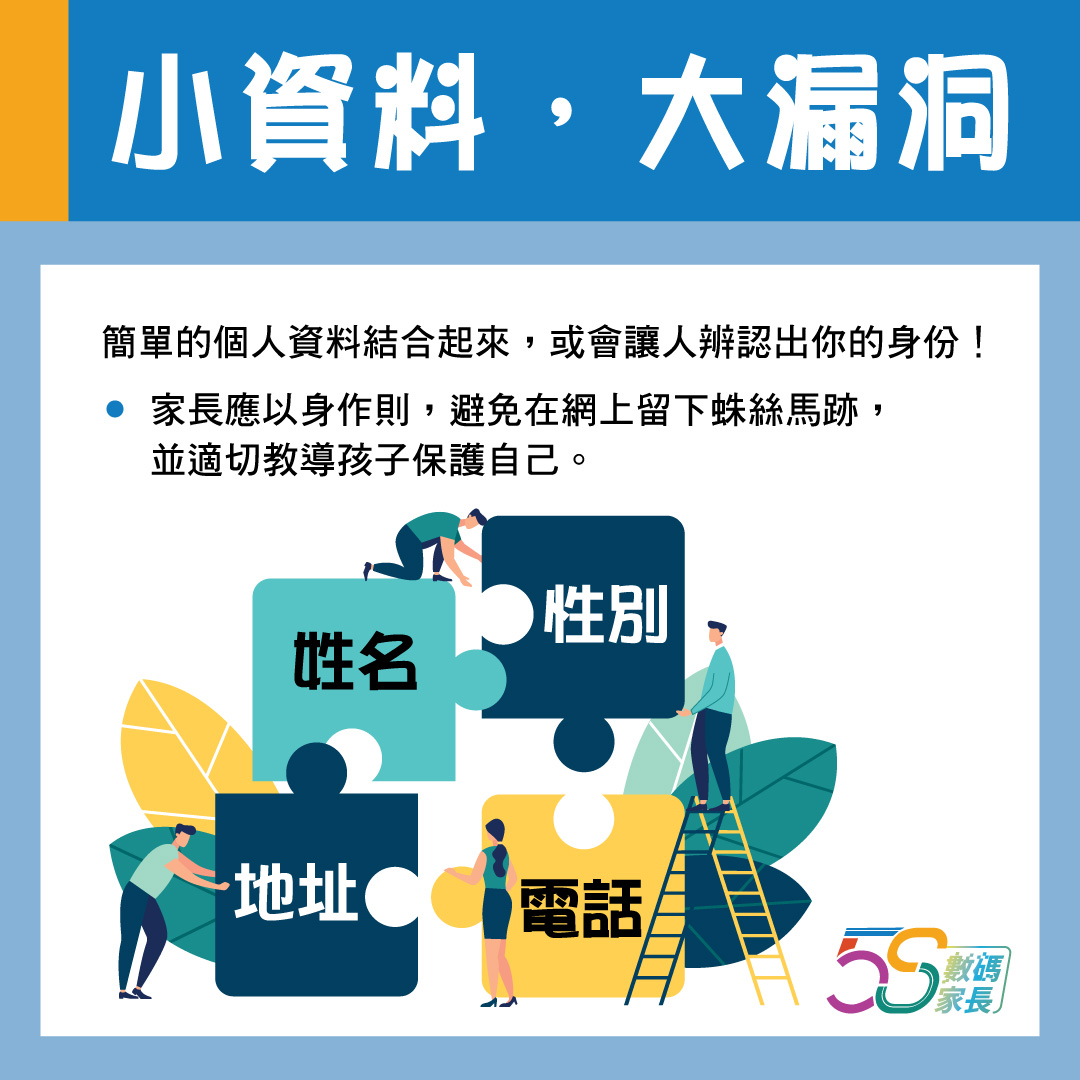
(This image is only available in Chinese.)
2. Why Do We Need to Protect Our Privacy?
Personal privacy is like the front door of a home, serving to protect the family and possessions within. If not properly secured, it invites varying degrees of danger. Therefore, as parents, one should first learn to safeguard personal privacy, remain vigilant at all times, and appropriately teach children how to protect themselves.
3. One of Many Privacy Threats: Data Breaches
Privacy crises are ubiquitous, with data breaches being the most prevalent. Personal data leaks can lead to identity theft, cyberbullying or 'doxxing' incidents, and may even result in children's friends or family members being harassed.
4. Does Staying Offline Eliminate Privacy Risks?
Some parents believe that posting anonymously online allows them to temporarily set aside privacy concerns and speak freely. Parents, have you heard of the term ‘doxxing’? Doxxing refers to individuals meticulously analysing and collecting traces you leave online for other purposes. In this digital age, any user's personal information can be doxxed at any time.
The simplest method involves using search engines like Google to input personal details such as usernames or email addresses, revealing associated websites. Even highly cautious users may have their information uncovered through subtle clues – for instance, analysing photos to deduce frequent locations, family members, or occupations. Beyond this, numerous common ‘doxxing’ techniques exist, including exploiting vulnerabilities in hacking tools or commercial software. We shall explore these in greater depth in subsequent articles within this column.
To address privacy crises, parents can progressively learn to safeguard personal data. The initial step involves scrutinizing content shared on social media to ensure it does not inadvertently disclose one's own or others' private information.
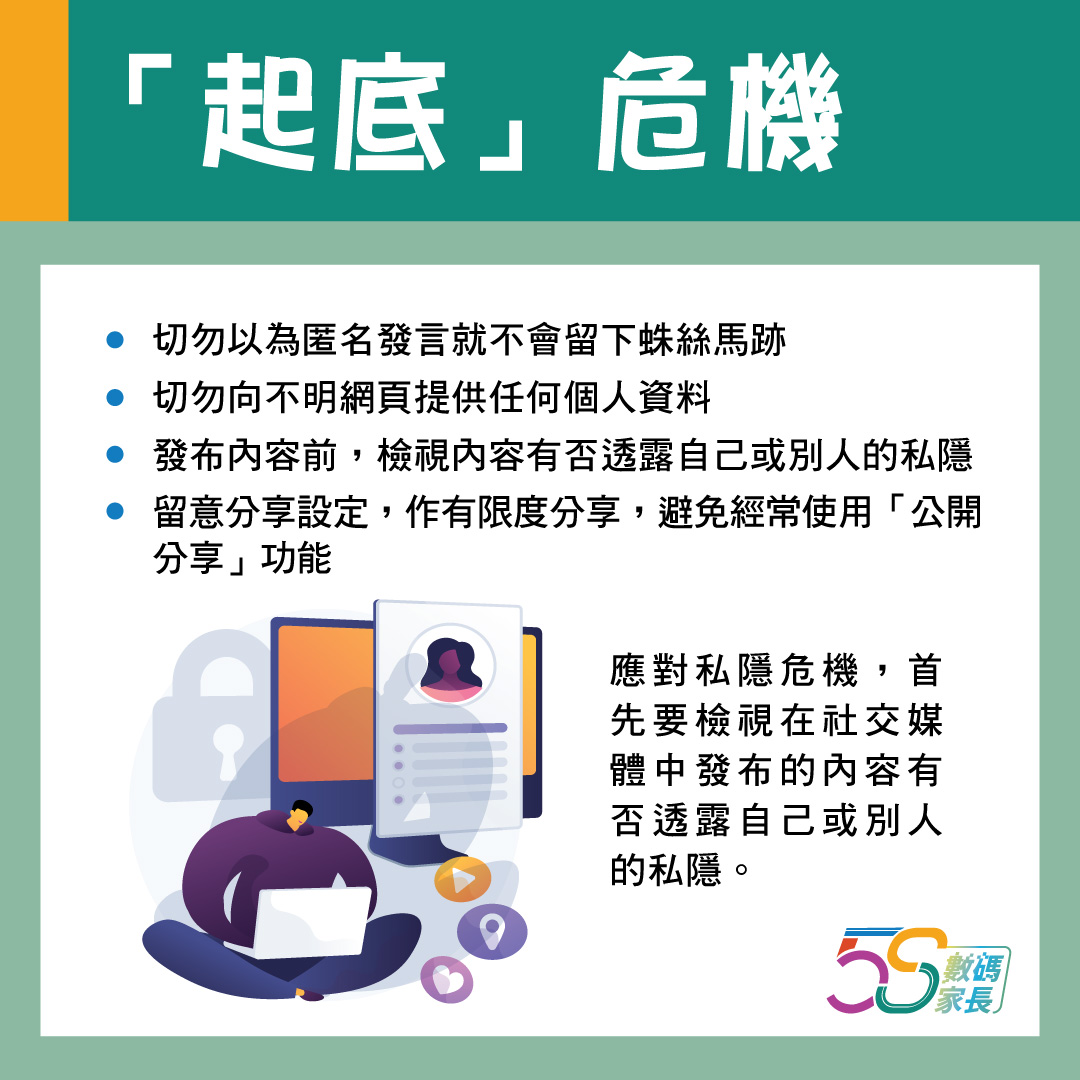
(This image is only available in Chinese.)
5. Simple Tips and Tricks
- Pay attention to the website's privacy policy.
- Do not disclose or publish any information that could identify you or cause embarrassment later, such as your name or address.
- Before posting content on social media, consider whether it reveals your own or others' privacy, particularly information about your own or others' children.
- Do not blindly follow others' actions. What others are doing on this website does not mean you should do the same.
- Identify trustworthy web pages. First, note the domain suffix: “edu” indicates sites registered by education authorities or provided by major institutions; “gov” denotes government bodies; “org” signifies non-profit organisations. Second, check the site's last update date. Finally, ascertain the operator – trustworthy sites should be run by credible entities.
- Avoid providing any personal information to websites unless they are trustworthy.
- When transmitting personal data, ensure it is encrypted or use trusted software.
[5S Digital Parents] Series
1. [Digital Parenting] If you want your child to learn well, you must first lead by example!
2. 【5S:Smart Use of Technology 精明使用】 子女與網絡成癮的距離 (in Chinese only)
3. [Stay Safe Online] How to Tell if Your Child Is Being Bullied Online