Learn the correct posture for using mobile electronic devices to protect your child’s developing body and mind!
As the pandemic persists, both learning and extracurricular activities are undergoing transformation. Beyond their usual gaming habits, pupils now spend significantly more time using mobile devices for online learning, becoming virtually glued to their screens. As parents, it’s natural to worry whether your child is adopting the correct posture when using these devices.
Real Life Examples
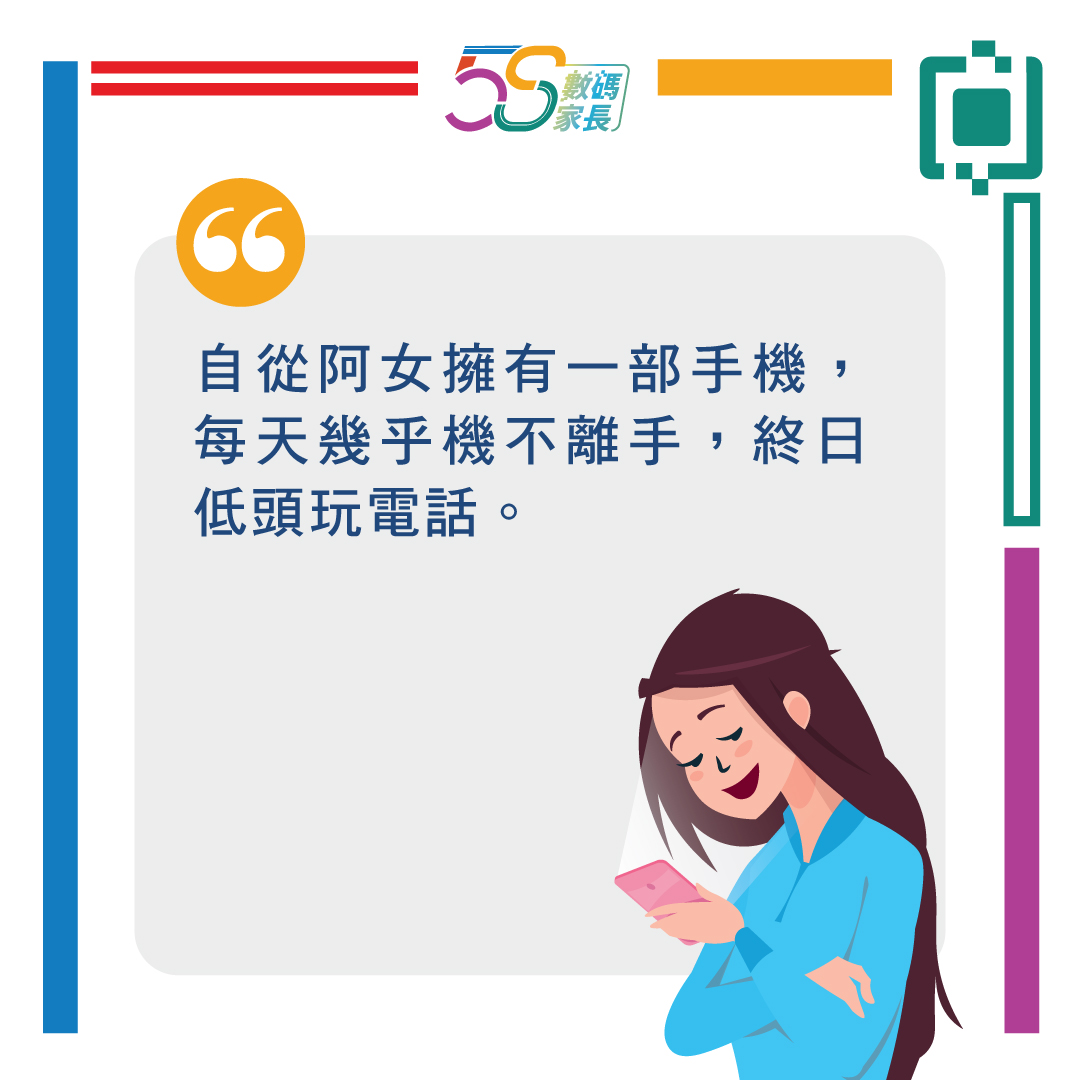
(This image is only available in Chinese.)
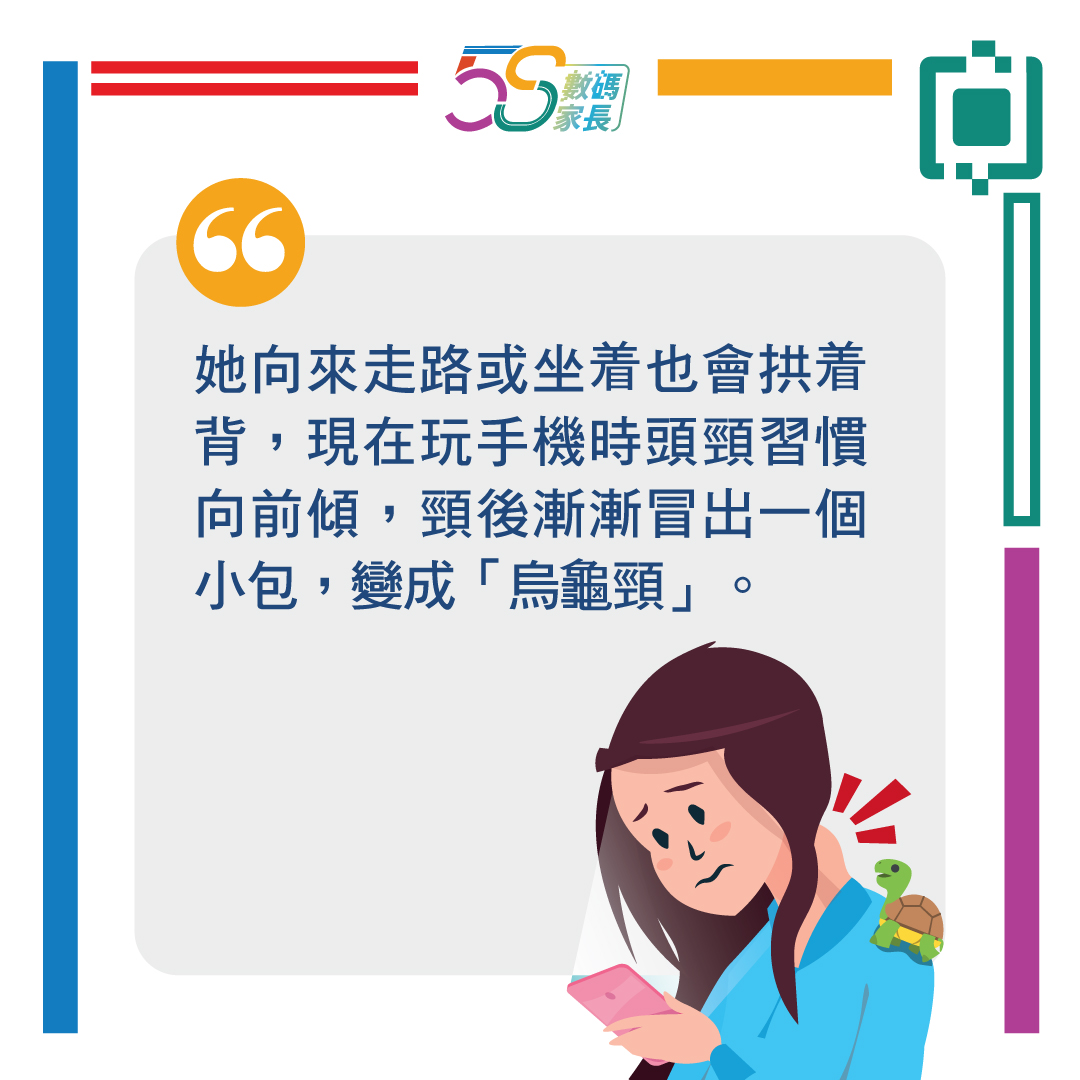
(This image is only available in Chinese.)
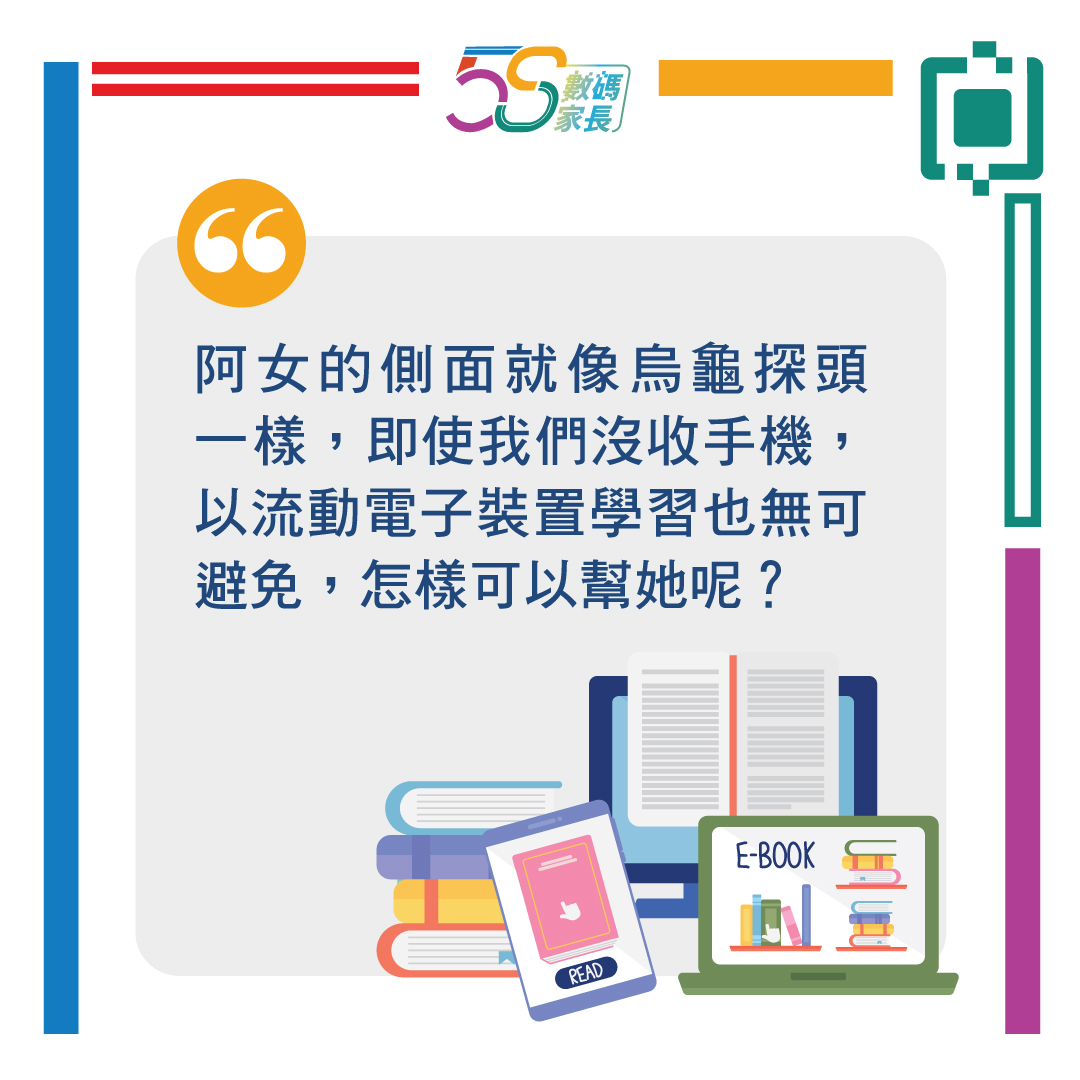
(This image is only available in Chinese.)
Article Content:
1. How to Protect Your Children’s Eye Health
2. How to Protect Your Children’s Shoulder and Neck Health
3. The Correct Posture When Using Mobile Devices
4. Simple Tips and Tricks
1. How to Protect Your Children’s Eye Health
Avoid letting children under 2 years old use electronic screens whenever possible.
Limit screen time for children aged two to six to under one hour daily.
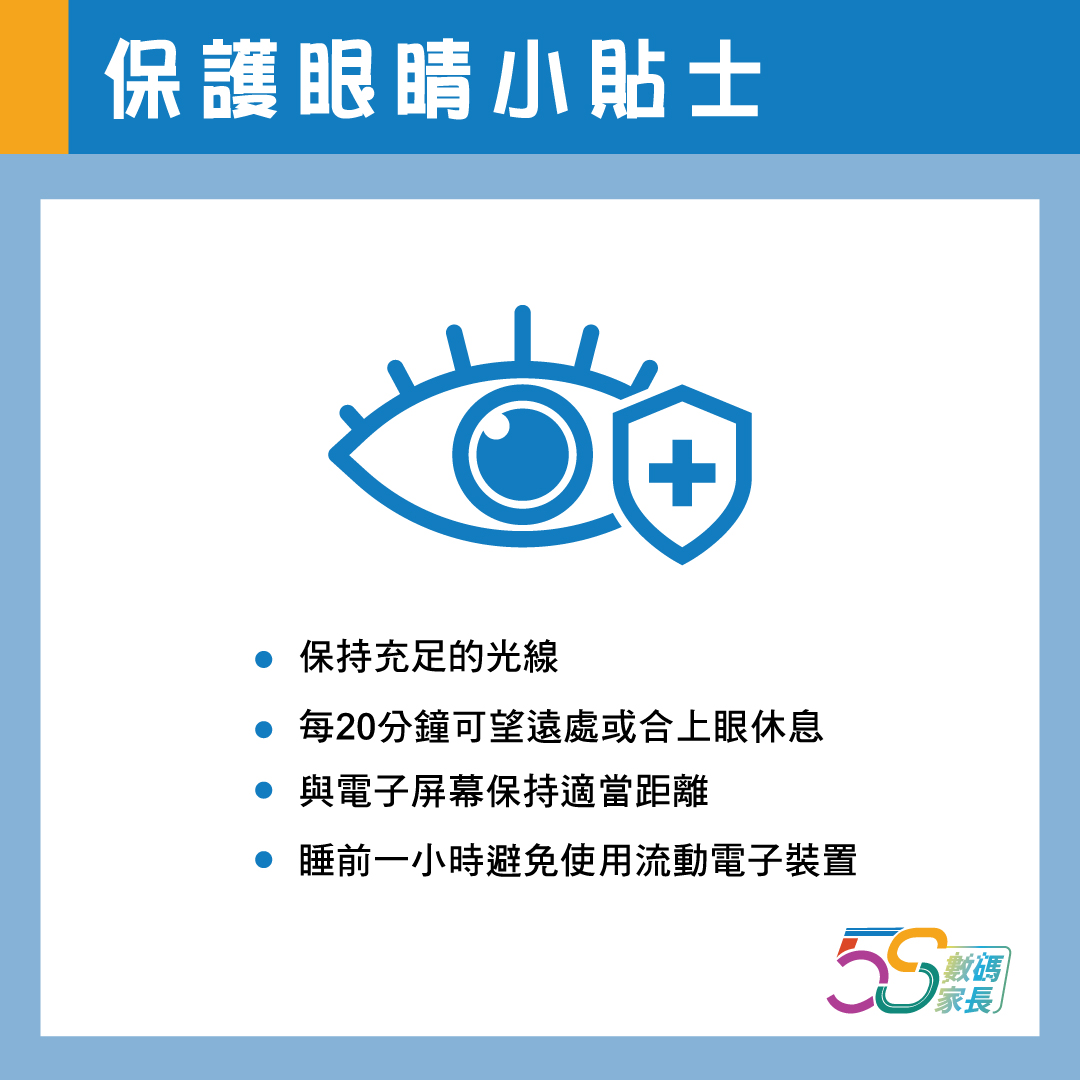
Ensure adequate lighting.
Every 20 minutes, look into the distance or close your eyes to rest them.
Lower the screen height so eyes gaze slightly downward.
Maintain appropriate viewing distances: computer screens (50cm); tablets (40cm); mobile phones (30cm).
Refrain from using mobile electronic devices one hour before bedtime to prevent disruption to sleep onset or sleep quality.
(This image is only available in Chinese.)
Parents may follow the link below to learn more about eye health: ‘Together for a Fun Internet World’ Parent Seminar: Eye Health of the e-Generation and Differentiating the Authenticity of Information (in Chinese only).
2. How to Protect Your Children’s Shoulder and Neck Health
Keep an eye on whether your children experience discomfort in their necks and whether they maintain good posture when using mobile electronic devices.
Encourage your children to perform stretching exercises from time to time to relieve muscles that have been tense for prolonged periods.
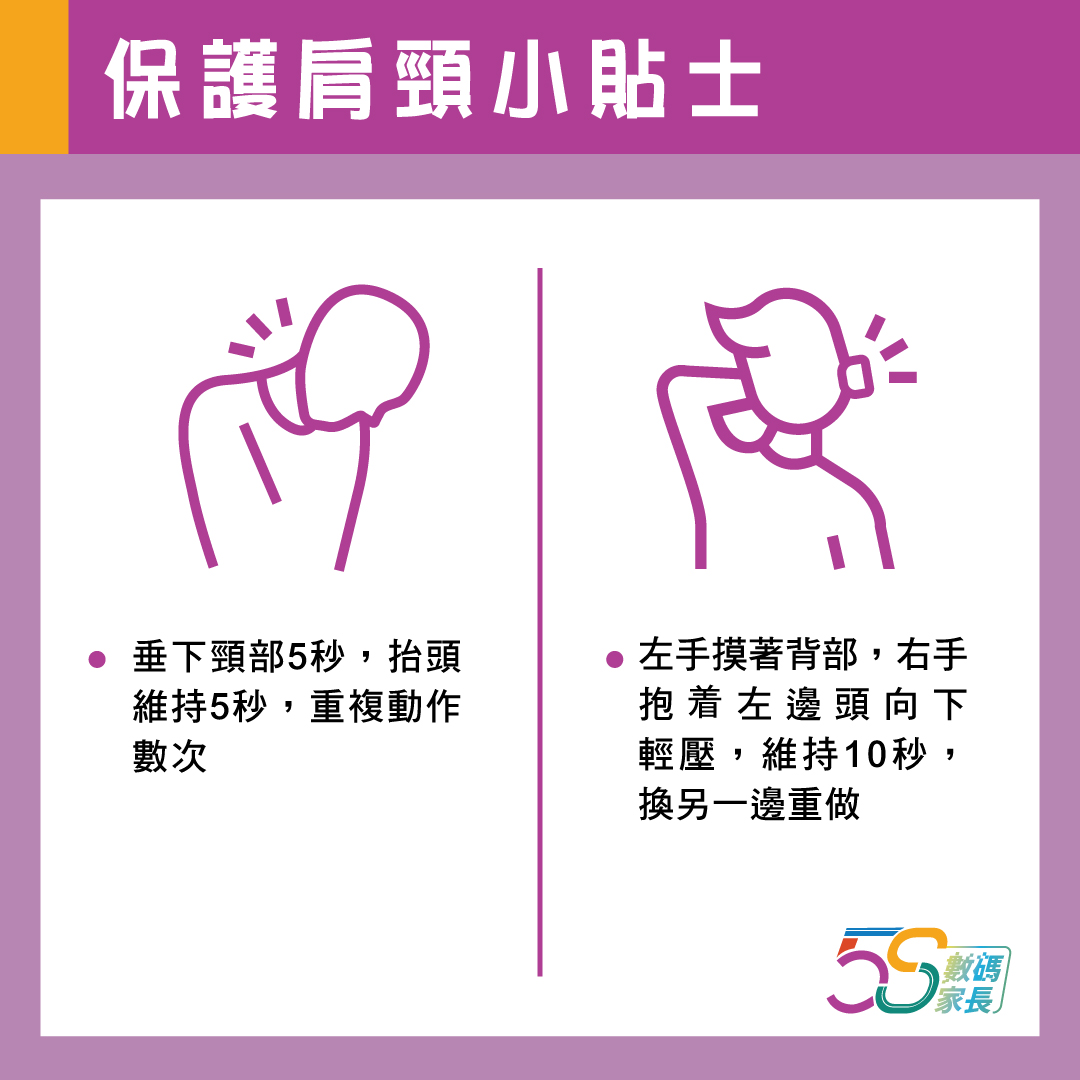
(This image is only available in Chinese.)
Parents may follow the link below to learn more about shoulder and neck health: ‘Supporting Children on e-Learning’ Parent Seminar (6): Enhance Learning Effectiveness, Learn Correct Posture (in Chinese only).
3. The Correct Posture When Using Mobile Devices
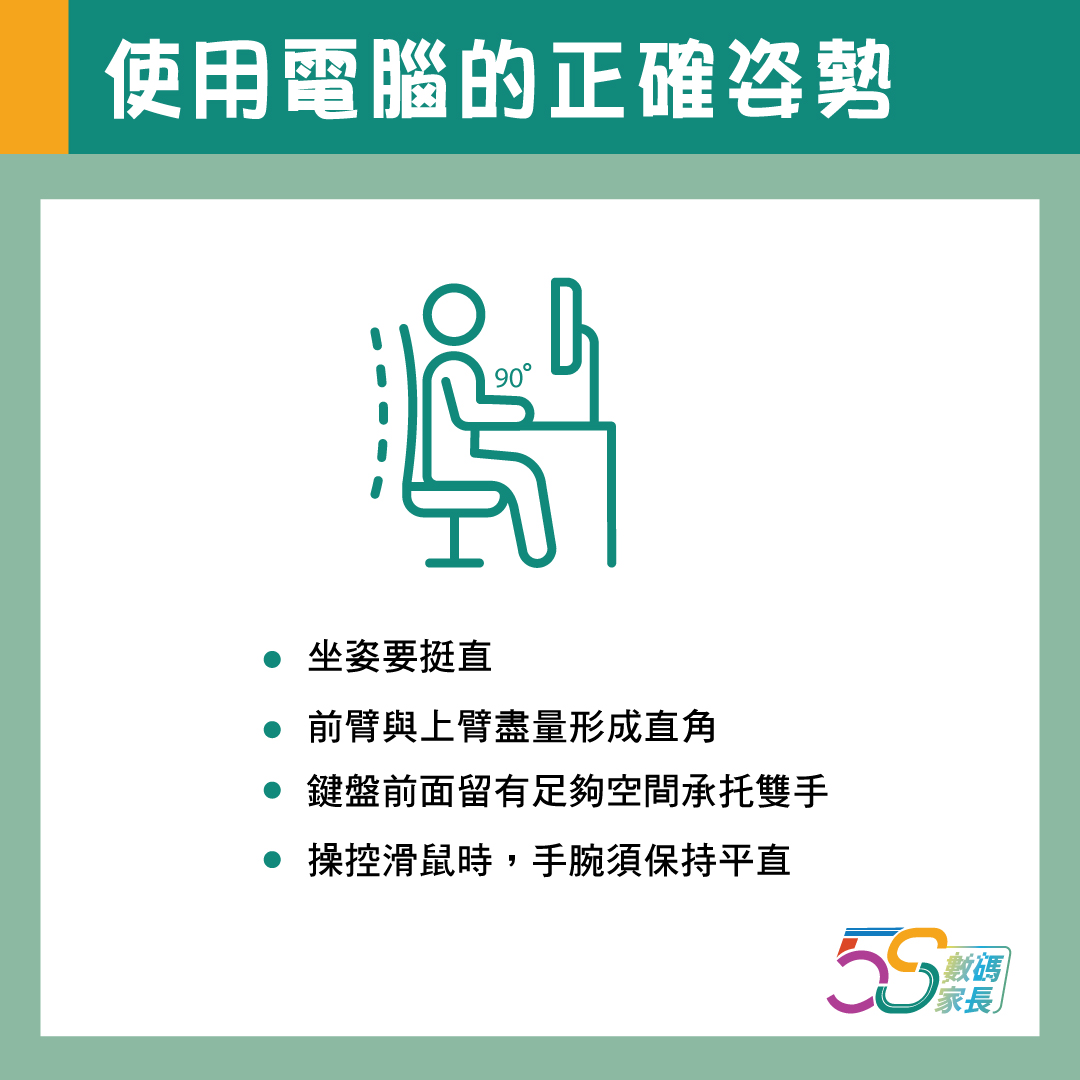
When using a computer:
Sit upright with your body as close to the desk as possible.
Position your forearms and upper arms at a right angle, resting them on the armrests.
Ensure sufficient space is left in front of the keyboard to support both hands.
When operating the keyboard and mouse, keep your wrists straight.
(This image is only available in Chinese.)
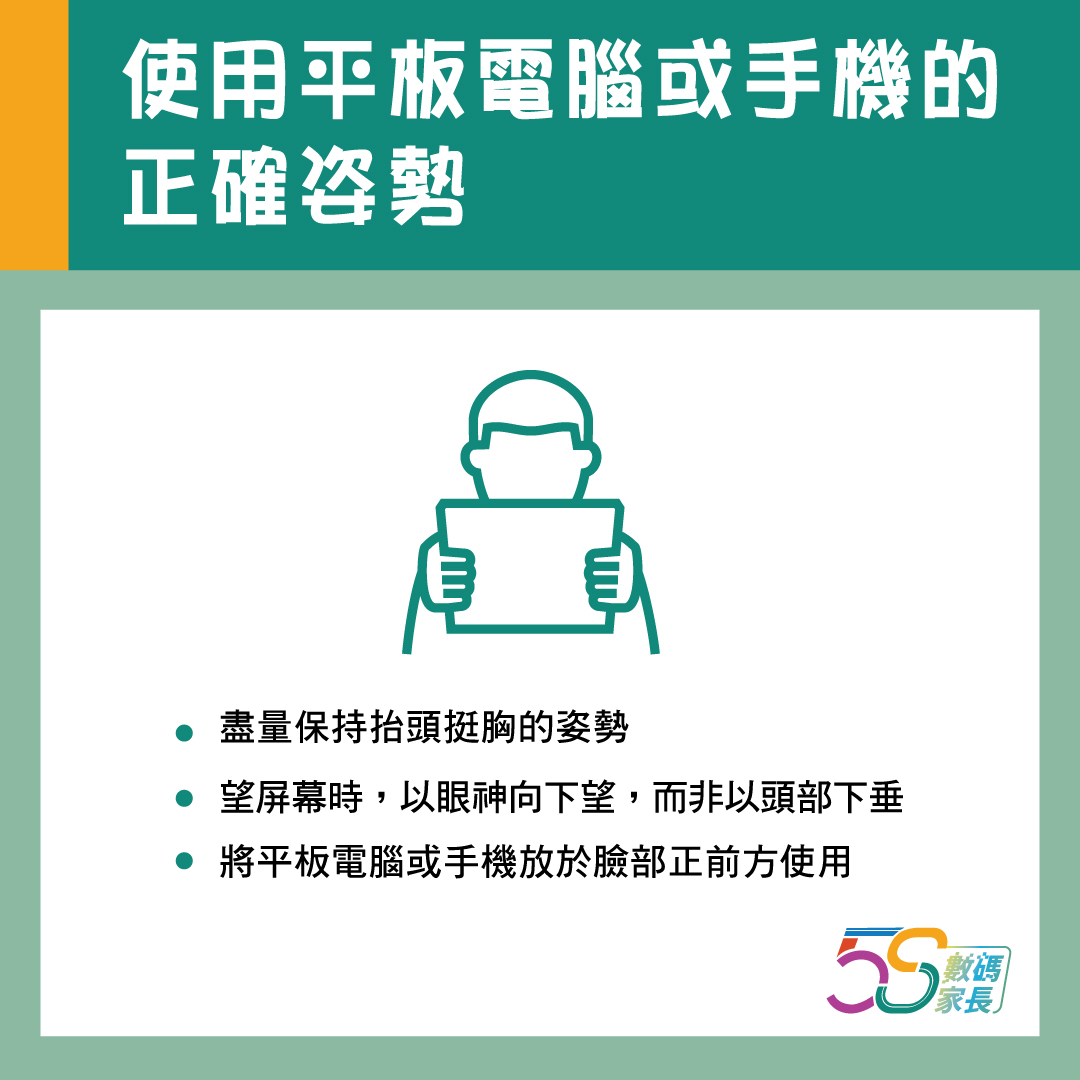
When using a tablet or mobile phone:
Maintain an upright posture with head held high
Avoid prolonged reliance on holding the device in one hand
When viewing the screen, direct your gaze downward rather than tilting your head
Position the device directly in front of your face at eye level
(This image is only available in Chinese.)
Parents may follow the link below for further information on correct posture: ‘Net Surfing with Fun Together’ Parent Seminar (4): Bone Health of e-Generation and Understanding Information Literacy (in Chinese only).
4. Simple Tips and Tricks
Keep an eye on whether your children are experiencing any physical discomfort and whether their posture is correct during daily activities.
Encourage your children to maintain good posture when using electronic screens and adjust the environment in which they use them.
After using electronic screens, they may perform stretching exercises to relax their muscles.
Avoid using mobile electronic devices one hour before bedtime to prevent affecting sleep onset or sleep quality.
If physical pain occurs, seek medical attention promptly.